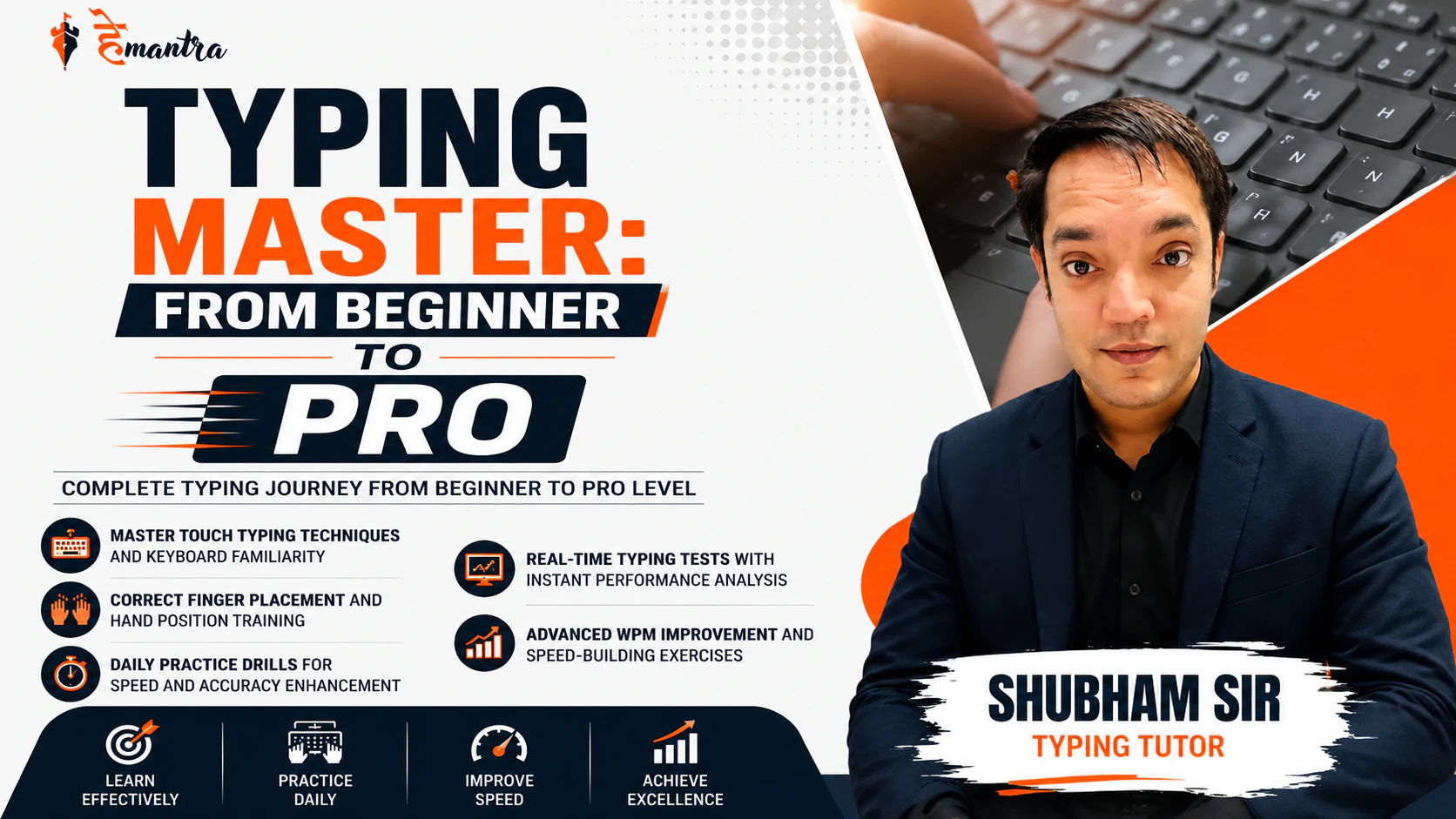
Typing Master: From Beginner to Pro
About Course
Typing Master: From Beginner to Pro is a comprehensive course designed to transform beginners into confident and efficient typists. The course focuses on building a strong foundation in touch typing while gradually improving typing speed, accuracy, and overall keyboard proficiency through structured learning and practice.
With step-by-step lessons, guided exercises, and performance-based training, learners can develop proper finger placement habits, reduce typing errors, and significantly increase their Words Per Minute (WPM). Whether you are preparing for competitive exams, office work, data entry roles, or simply looking to enhance your computer skills, this course provides a complete roadmap from basic to advanced typing mastery.
The course includes practical drills, real-time assessments, and progress tracking tools to help learners stay motivated and measure improvement at every stage. By the end of the course, students will be equipped with the skills and confidence required to type quickly, accurately, and efficiently in professional and academic environments.
Course Highlights:
• Complete Typing Journey from Beginner to Pro Level
• Master Touch Typing Techniques and Keyboard Familiarity
• Correct Finger Placement and Hand Position Training
• Daily Practice Drills for Speed and Accuracy Enhancement
• Real-time Typing Tests with Instant Performance Analysis
• Advanced WPM Improvement and Speed-Building Exercises
• Error Reduction Techniques for Better Accuracy
• Timed Typing Challenges to Build Consistency and Confidence
• Paragraph, Article, and Exam-based Typing Practice
• Personalized Performance Tracking and Progress Monitoring
• Productivity-focused Typing Skills for Academic and Professional Use
• Certification-ready Practice for Competitive Exams and Office Requirements
What Will You Learn?
- • Master the fundamentals of touch typing from beginner to advanced level
- • Develop correct finger placement and keyboard positioning techniques
- • Type efficiently without looking at the keyboard
- • Improve typing speed through structured practice exercises
- • Increase typing accuracy and minimize common typing errors
- • Build strong muscle memory for faster and more consistent typing
- • Learn professional touch typing methods used in academic and workplace environments
- • Complete real-time typing tests and performance assessments
- • Practice with words, sentences, paragraphs, and exam-based content
- • Track and analyse your typing progress effectively
- • Enhance productivity and computer efficiency through better typing skills
Course Content
JOIN THE TELEGRAM
-
Join telegram
INTRODUCTION AND MIDDLE HOME KEY
-
Introduction
01:11 -
Drill first
02:31 -
Drill second
01:25 -
Drill third
02:13 -
Drill fourth
01:31 -
Practice set
08:44
TOP ROW KEY
-
Drill first
01:53 -
Drill second
03:12 -
Drill third
03:51
LOWER ROW KEY
-
Drill first
01:09 -
Drill second
01:57
ALPHABETIC WORDS A TO N
-
Drill A
01:38 -
Drill B
00:54 -
Drill C
01:05 -
Drill D
01:24 -
Drill E
06:29 -
Drill F
04:56 -
Drill G
05:48 -
Drill H
05:32 -
Drill I
04:44 -
Drill J
04:14 -
Drill K
05:00 -
Drill L
05:30 -
Drill M
04:07 -
Drill N
05:16
ALPHABETIC WORDS O TO Z
-
Drill O
05:23 -
Drill P
04:31 -
Drill Q
03:42 -
Drill R
03:57 -
Drill S
05:31 -
Drill T
04:57 -
Drill U
04:53 -
Drill V
04:54 -
Drill W
04:31 -
Drill X
03:33 -
Drill Y
05:08 -
Drill Z
05:08
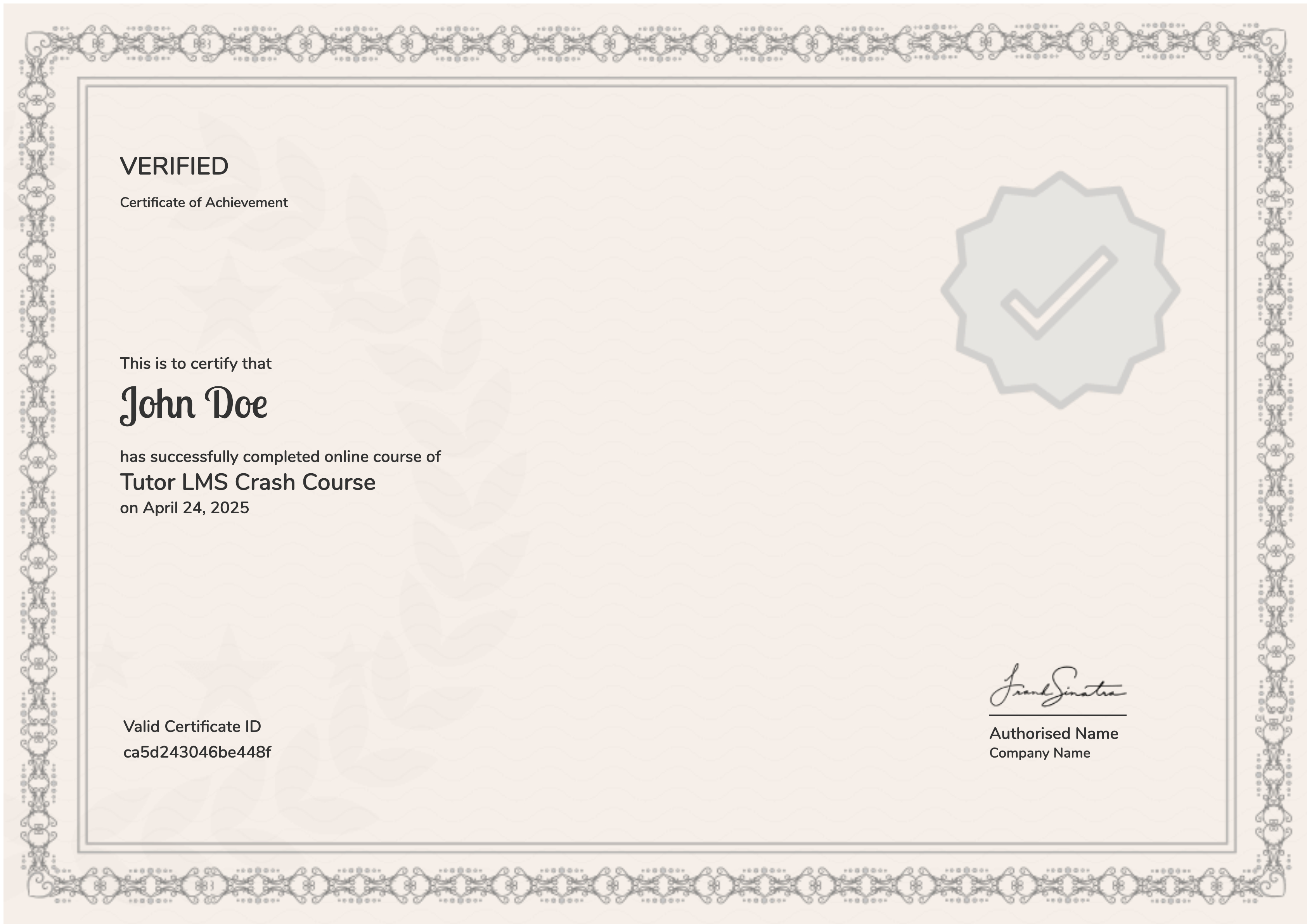
Earn a certificate
Add this certificate to your resume to demonstrate your skills & increase your chances of getting noticed.
Student Ratings & Reviews