INTRODUCTION | COMPUTER MASTERY
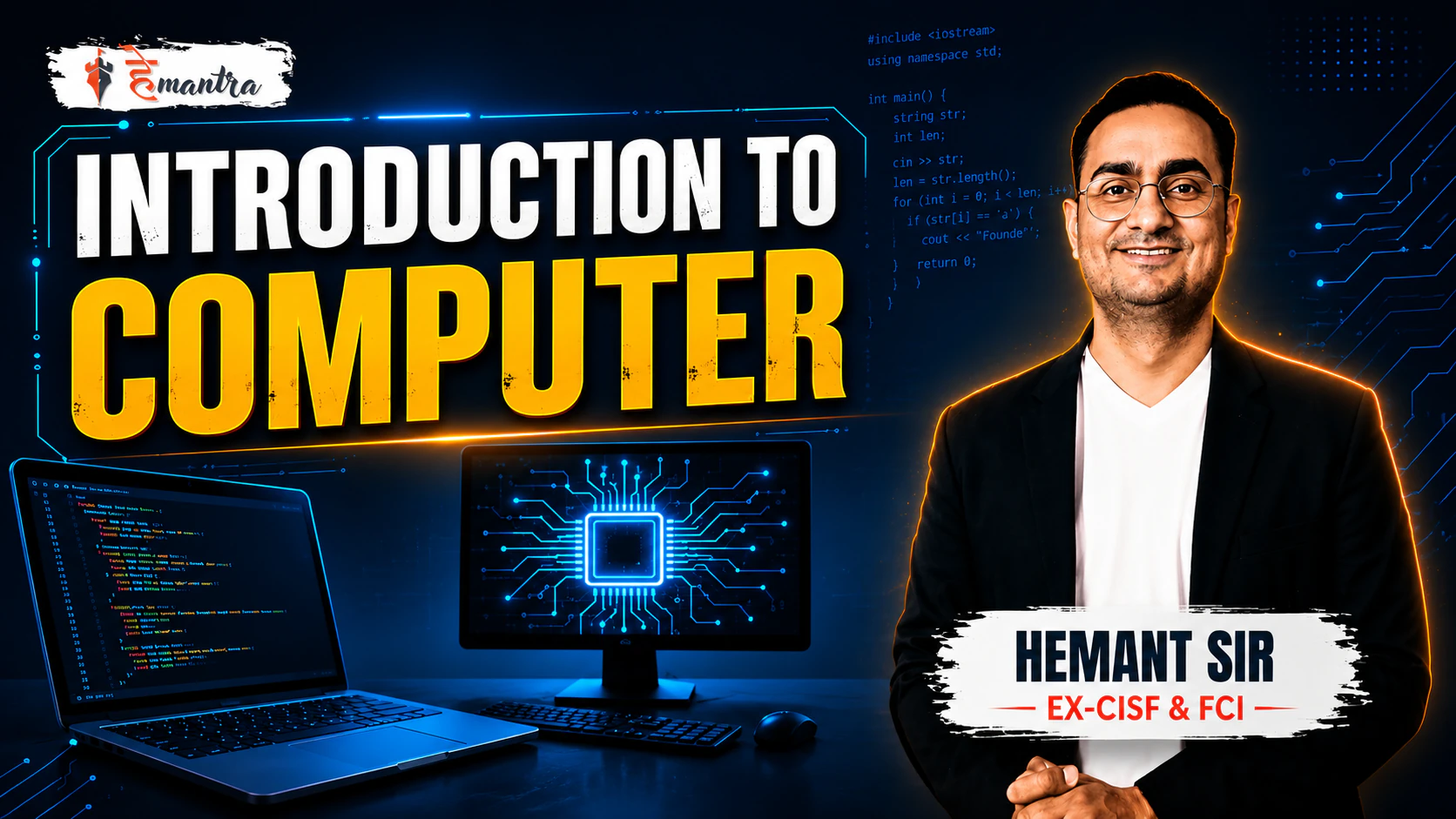
About Course
Master Computer Fundamentals from basic to intermediate level through structured, practical, and easy-to-understand lessons. This course covers essential topics like hardware, software, operating systems, internet basics, digital technology, memory, storage, and input-output devices with real-world understanding and concept clarity. Designed for beginners, students, and competitive exam aspirants, the course builds strong computer awareness, digital confidence, and practical skills required in academics and everyday life.
Course Highlights:
• Complete introduction to computer fundamentals
• Easy-to-understand step-by-step lessons
• Covers hardware, software, memory & storage concepts
• Basics of operating systems and internet usage
• Practical knowledge for academic and daily use
• Designed for beginners and competitive exam preparation
Course Content
INTRODUCTION TO COMPUTER
-
INTRODUCTION TO COMPUTER PART 1
12:33 -
INTRODUCTION TO COMPUTER PART 2
12:25 -
INTRODUCTION TO COMPUTER PART 3
10:01 -
INTRODUCTION TO COMPUTER PART 4
12:37 -
INTRODUCTION TO COMPUTER PART 5
12:11 -
INTRODUCTION TO COMPUTER PART 6
08:57 -
INTRODUCTION TO COMPUTER PART 7
08:49 -
INTRODUCTION TO COMPUTER PART 8
08:26
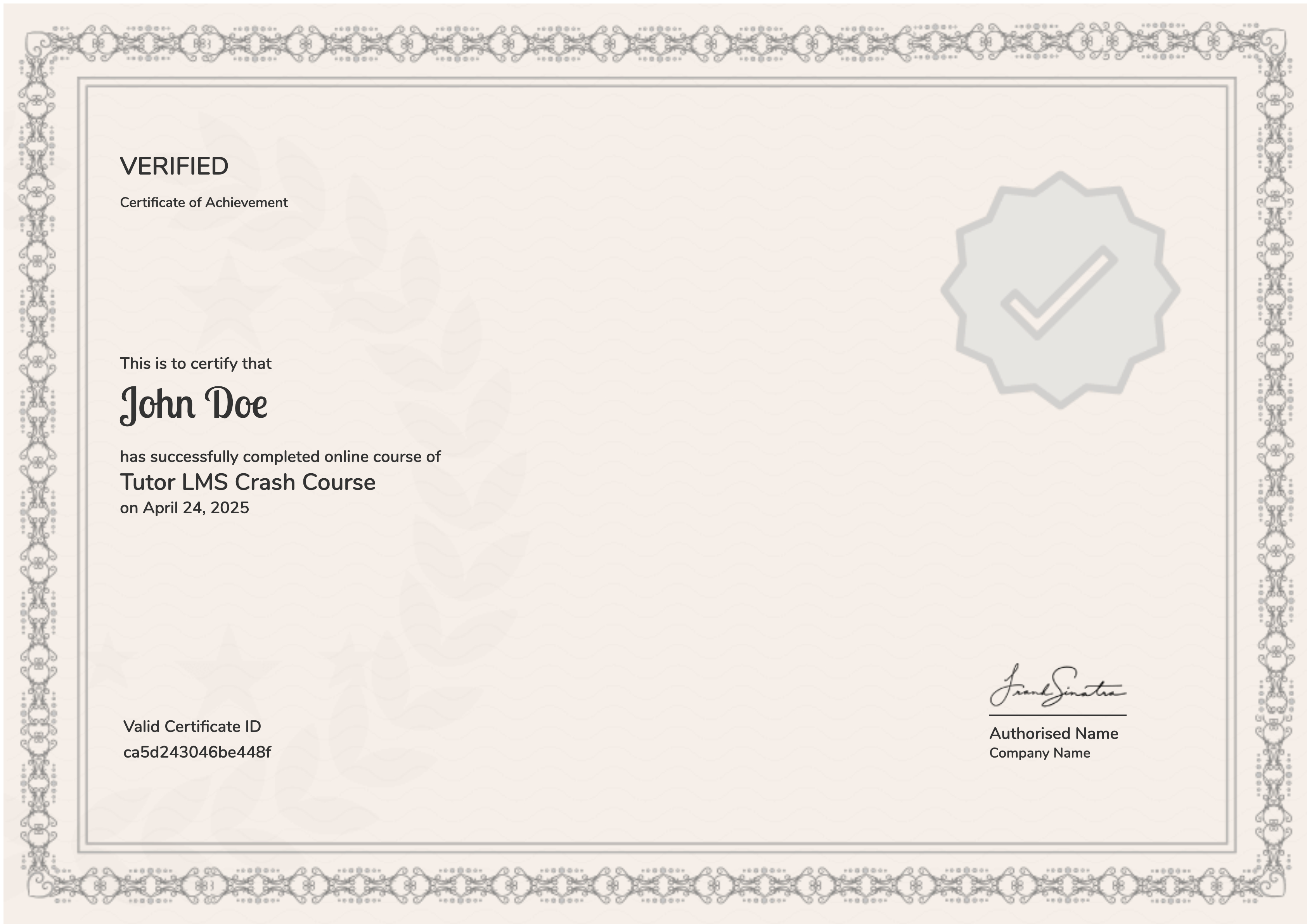
Earn a certificate
Add this certificate to your resume to demonstrate your skills & increase your chances of getting noticed.
Student Ratings & Reviews